Transform Your Home into a Smarter Living Space with Koble. Schedule an appointment today at 8129 4164!

Transform Your Home into a Smarter Living Space with Koble. Schedule an appointment today at 8129 4164!
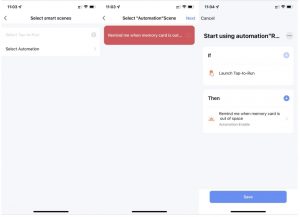
1. On the Smart page, select the Automation or Tap-to-Run tab. In the top right corner of the tab, tap More (?) > Manage to edit and sort the automation or tap-to-run scenes.
2. On the page that appears, sort automation or tap-to-run scenes. To delete a scene, swipe the scene to the left and tap Delete. On the Smart Life app for iOS, tap the minus icon (-) next to a scene name to delete the scene.
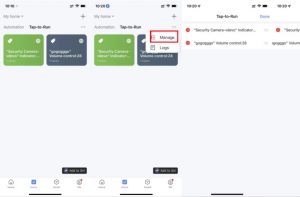
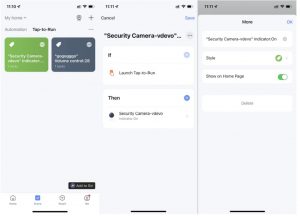
3. On the Automation or Tap-to-Run tab, tap the More icon (?) in the top right corner of an existing scene module to enter the Edit page.
4. Tap and hold a condition or task and swipe left to delete it.
5. Tap the plus icon (+) beside If or Then to add a condition or task.
6. To delete the scene, tap Delete at the bottom of the Edit page.
7. Tap an automation scene module to edit or delete the scene in the dialog box.
Koble Showroom
(With Smart Home Specialist)
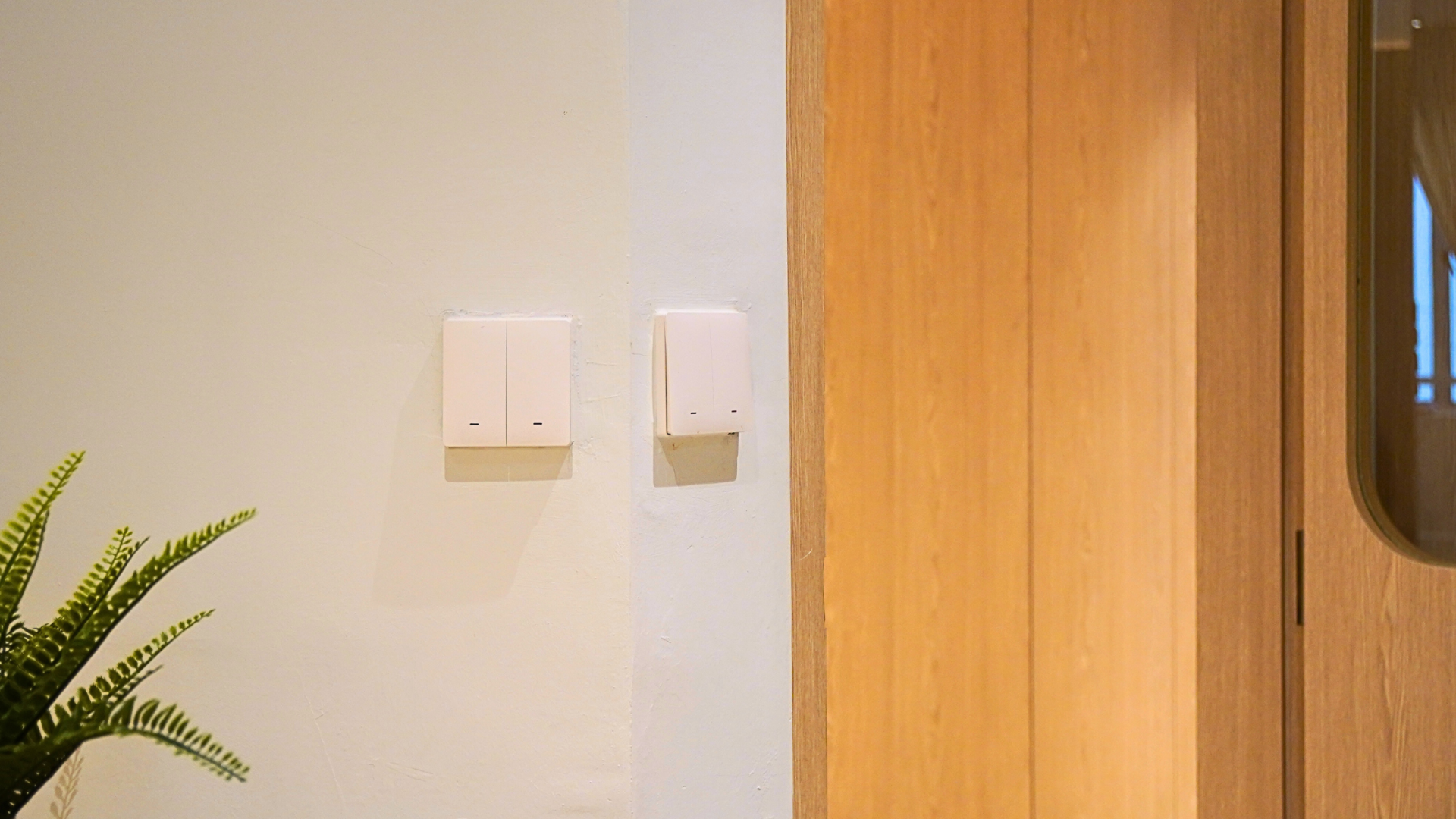
Where to Find Smart Switches in Singapore?
April 19, 2024
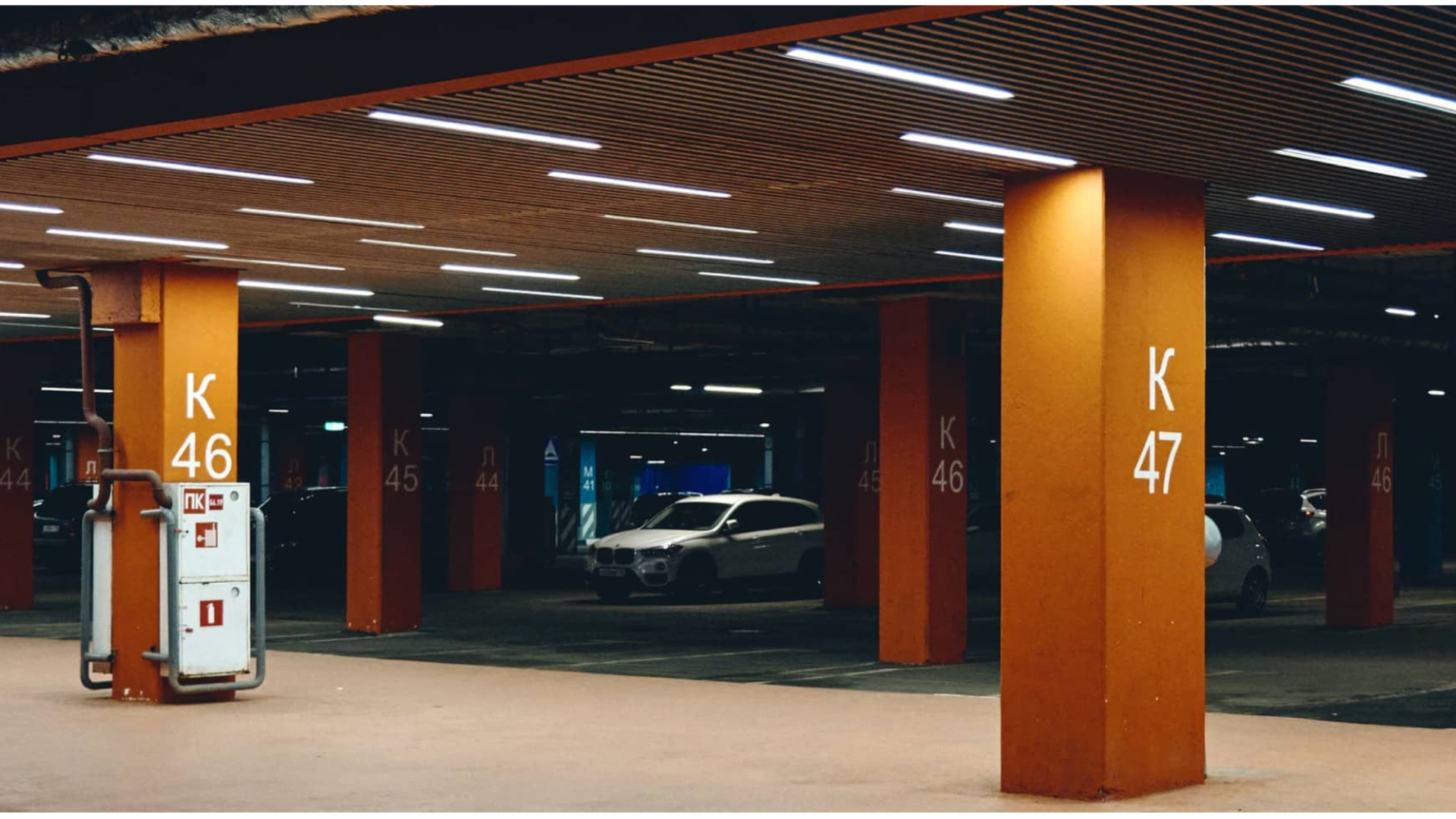
Revolutionise Energy Consumption With Smart Parking Lot Lights
June 7, 2024
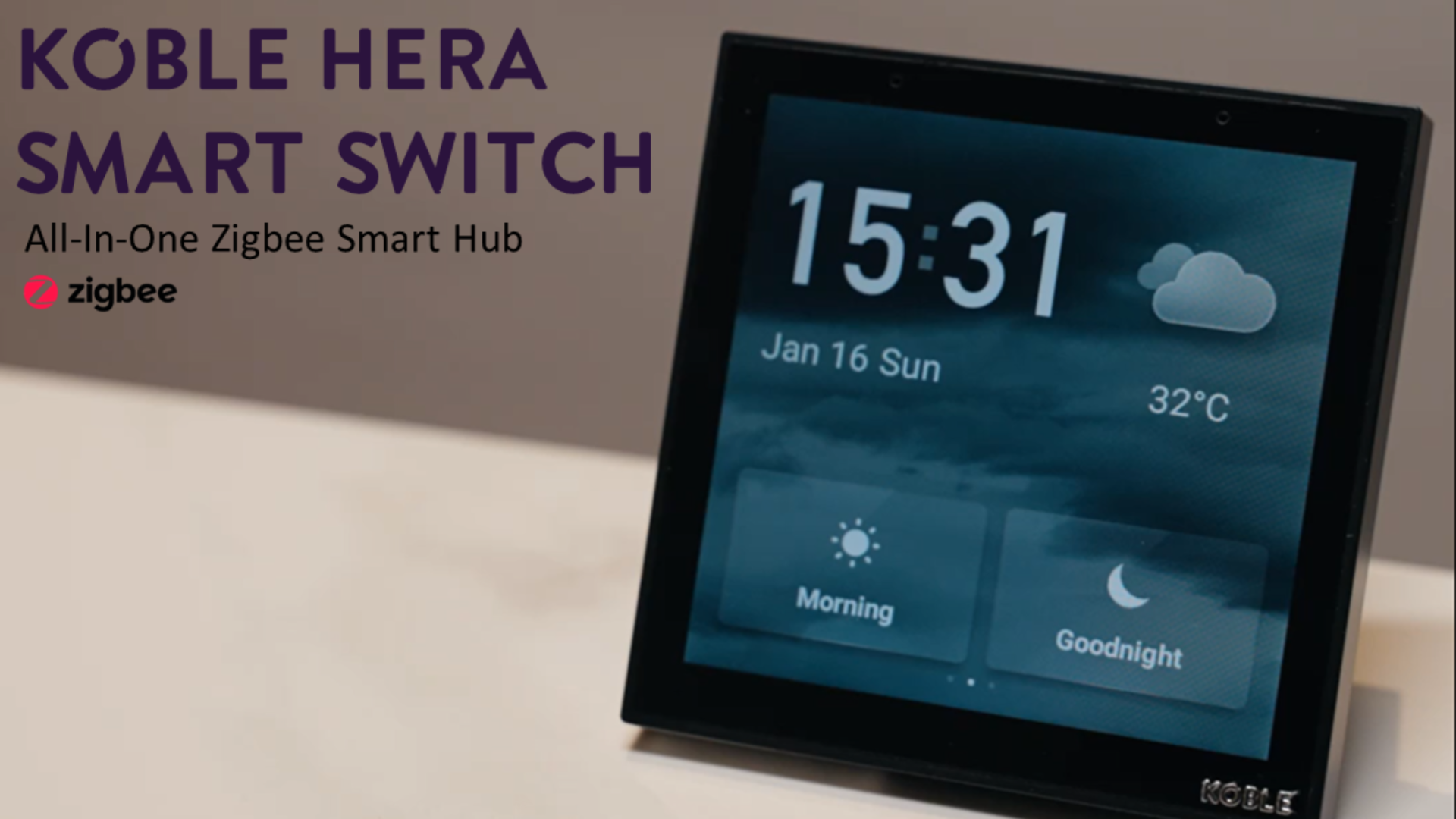
The One & Only Smart Home You Need in 2023
January 1, 2023

Local Database vs. Encrypted Cloud Server for Smart Home Security
December 11, 2023
Koble Smart Home