Transform Your Home into a Smarter Living Space with Koble. Schedule an appointment today at 8129 4164!

Transform Your Home into a Smarter Living Space with Koble. Schedule an appointment today at 8129 4164!

1. On the Smart page, tap Add to Siri in the bottom right corner of the page. The Siri Shortcut page appears, displaying all supported tap-to-run scenes.
2. Select a tap-to-run scene to be triggered by Siri.
3. On the settings page for the tap-to-run scene, specify trigger words and tap Add to Siri. When the trigger words are said to Siri, Siri tells the app to trigger a tap-to-run scenes.
Koble Showroom
(With Smart Home Specialist)

How Smart Home Transforms Your Lifestyle
July 19, 2023

Feeling Mentally Exhausted at Home? Here’s What Helped Me Most
September 26, 2025
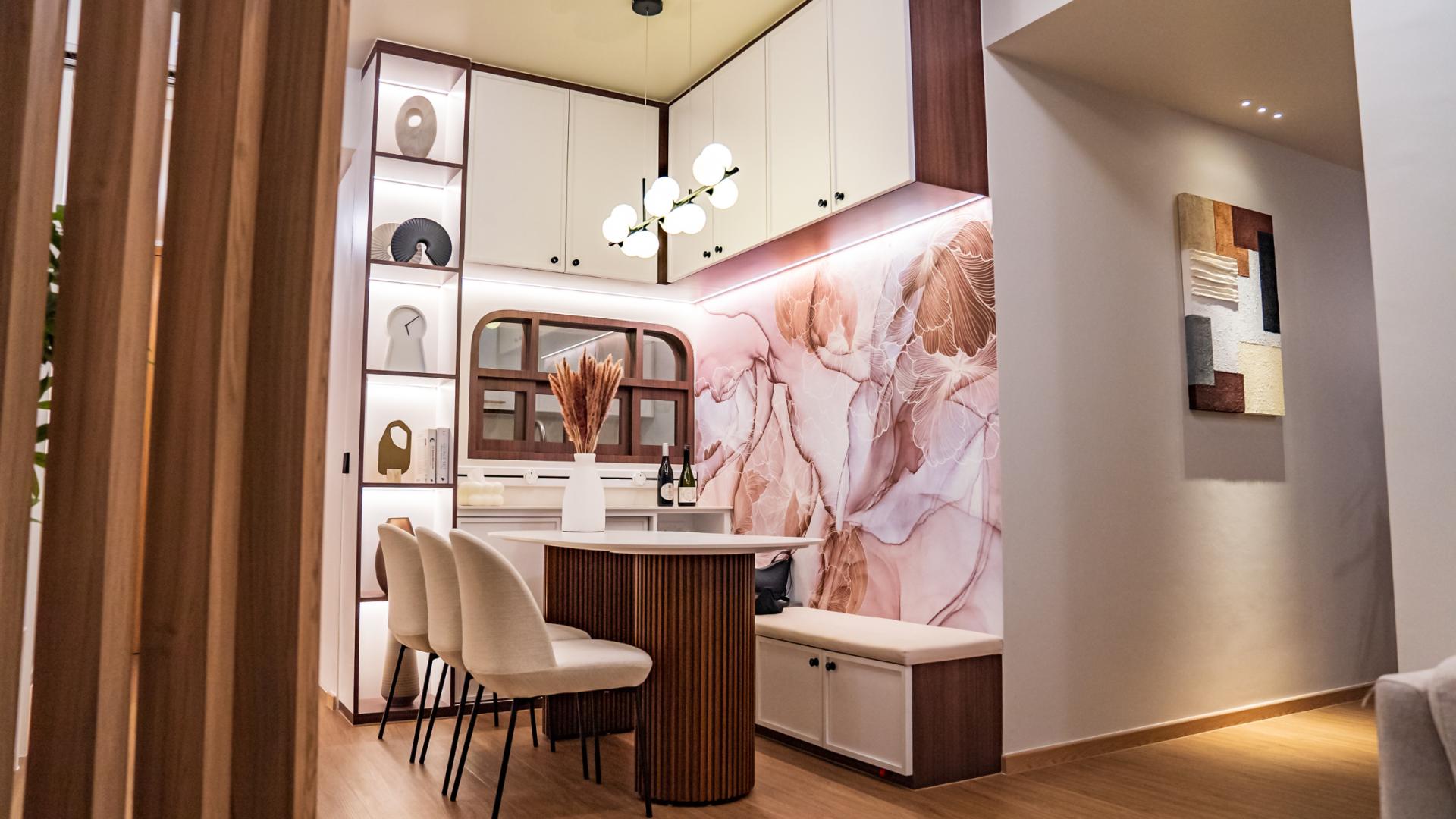
Koble’s Guide To Seamless Home Automation
February 16, 2024
Smart Home Essentials for Rented Homes
August 30, 2024
Koble Smart Home
