Transform Your Home into a Smarter Living Space with Koble. Schedule an appointment today at 8129 4164!

Transform Your Home into a Smarter Living Space with Koble. Schedule an appointment today at 8129 4164!

1. Tap Add Device or the plus icon (+) in the top right corner of the Home page to go to the device adding page. On the Add Device tab that appears, devices can be automatically found or manually added. To automatically add devices, the app must be granted Wi-Fi and Bluetooth permissions.
2. In EZ mode, follow the instructions to enable the indicator to blink quickly.
3. Select Confirm the indicator is blinking rapidly and tap Next. The following first two figures from the left show the pairing process. The user can customize the names of added devices and specify the room where the devices are located. A device name can contain a maximum of 64 characters.
4. If pairing fails, apply the tips in the following third figure from the left to troubleshoot the issues. Online customer services are available to support troubleshooting.
Koble Showroom
(With Smart Home Specialist)

I Moved into a Smart Home in Singapore — and Here's What Actually Changed About My Life
September 12, 2025
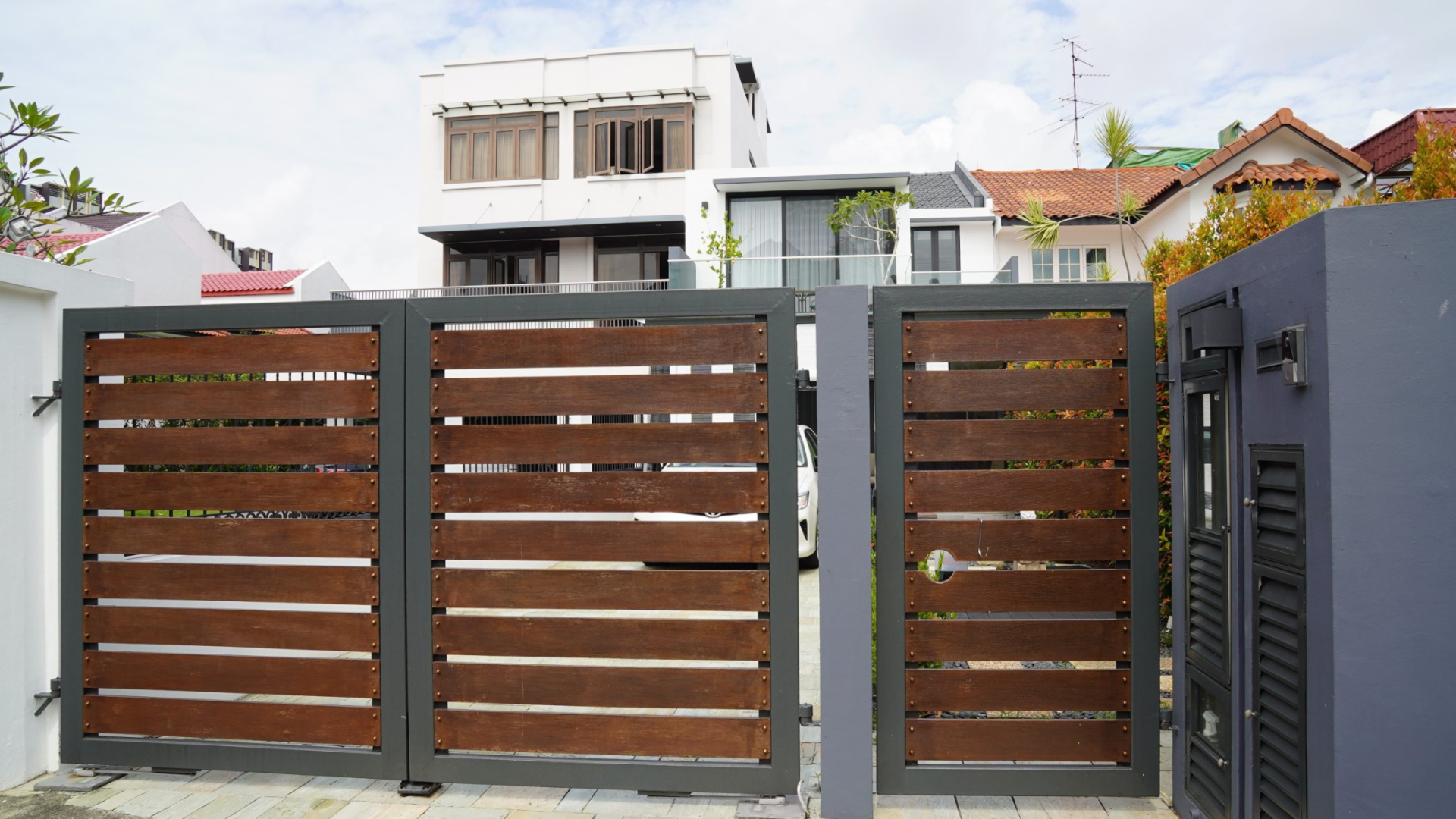
Improving Home Security and Convenience with Smart Gates in Singapore
December 8, 2023
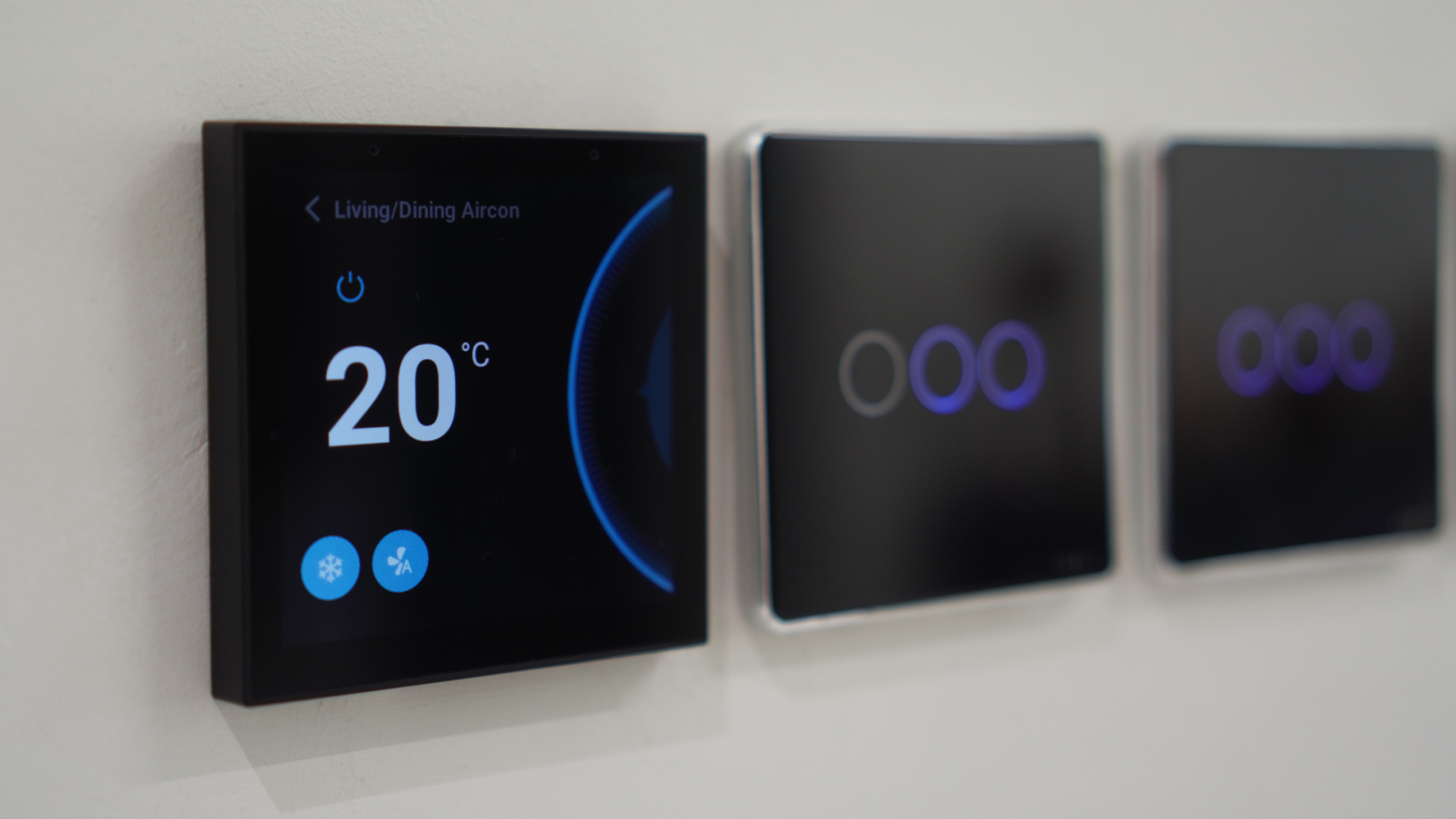
Mastering Home Comfort With Smart Home Climate Control Systems
January 15, 2024

More Secure Than Your Local Hub: Why AWS Cloud Is Safe for Smart Homes
June 24, 2025
Koble Smart Home
