Transform Your Home into a Smarter Living Space with Koble. Schedule an appointment today at 8129 4164!

Transform Your Home into a Smarter Living Space with Koble. Schedule an appointment today at 8129 4164!

1. Open the Google Home app, scroll down to “Linked To You”. Tap on one of the device you want to assign.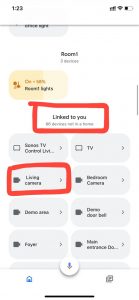
2. Choose a “Home” the device should be assigned to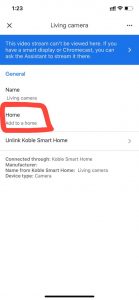
3. Choose move device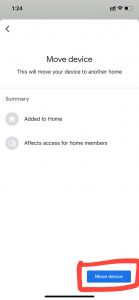
4. Choose assign to a room or scroll down to create a new room.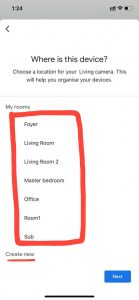
Koble Showroom
(With Smart Home Specialist)
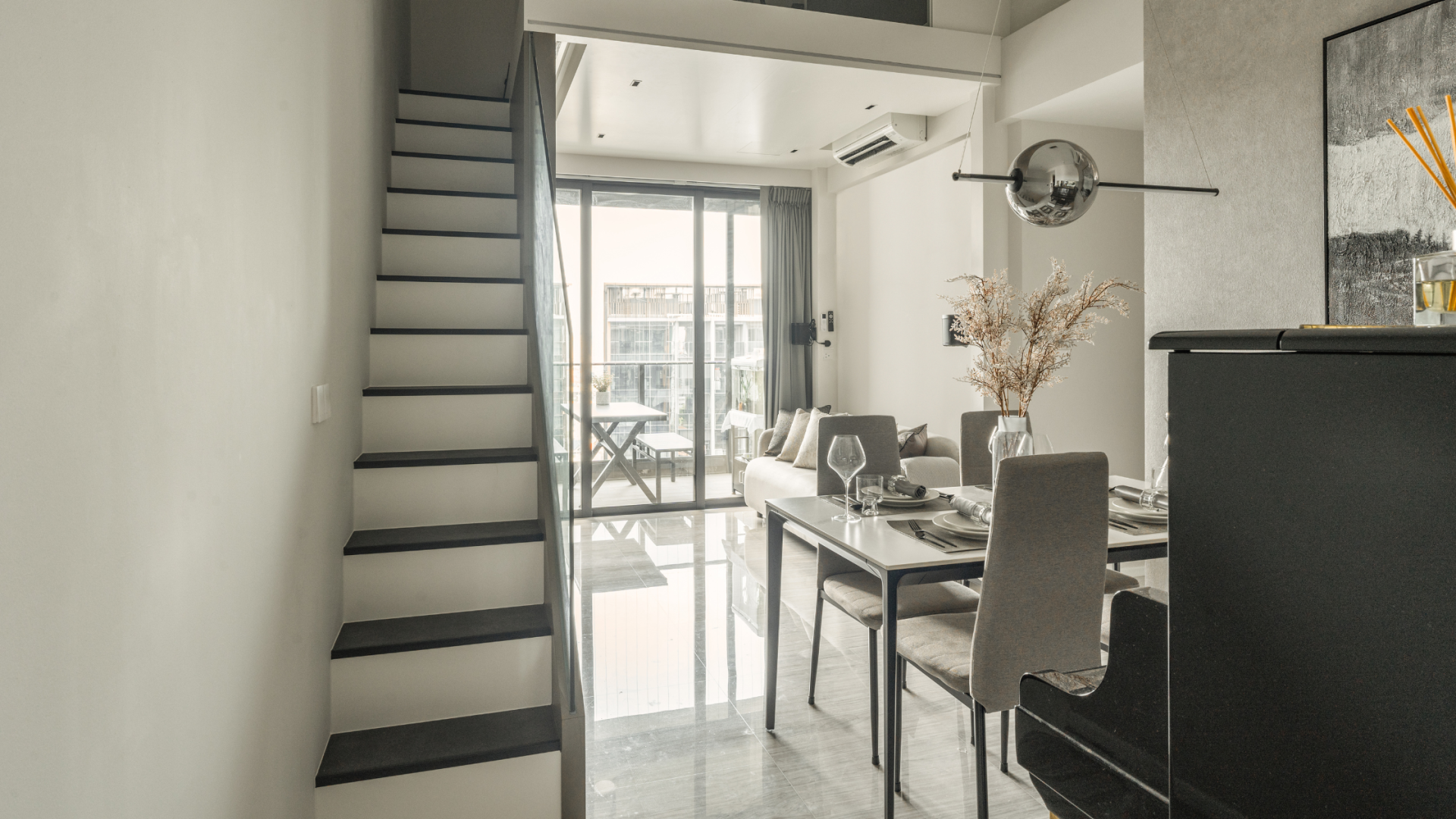
15 Smart Home Ideas For Every Lifestyle
March 4, 2024
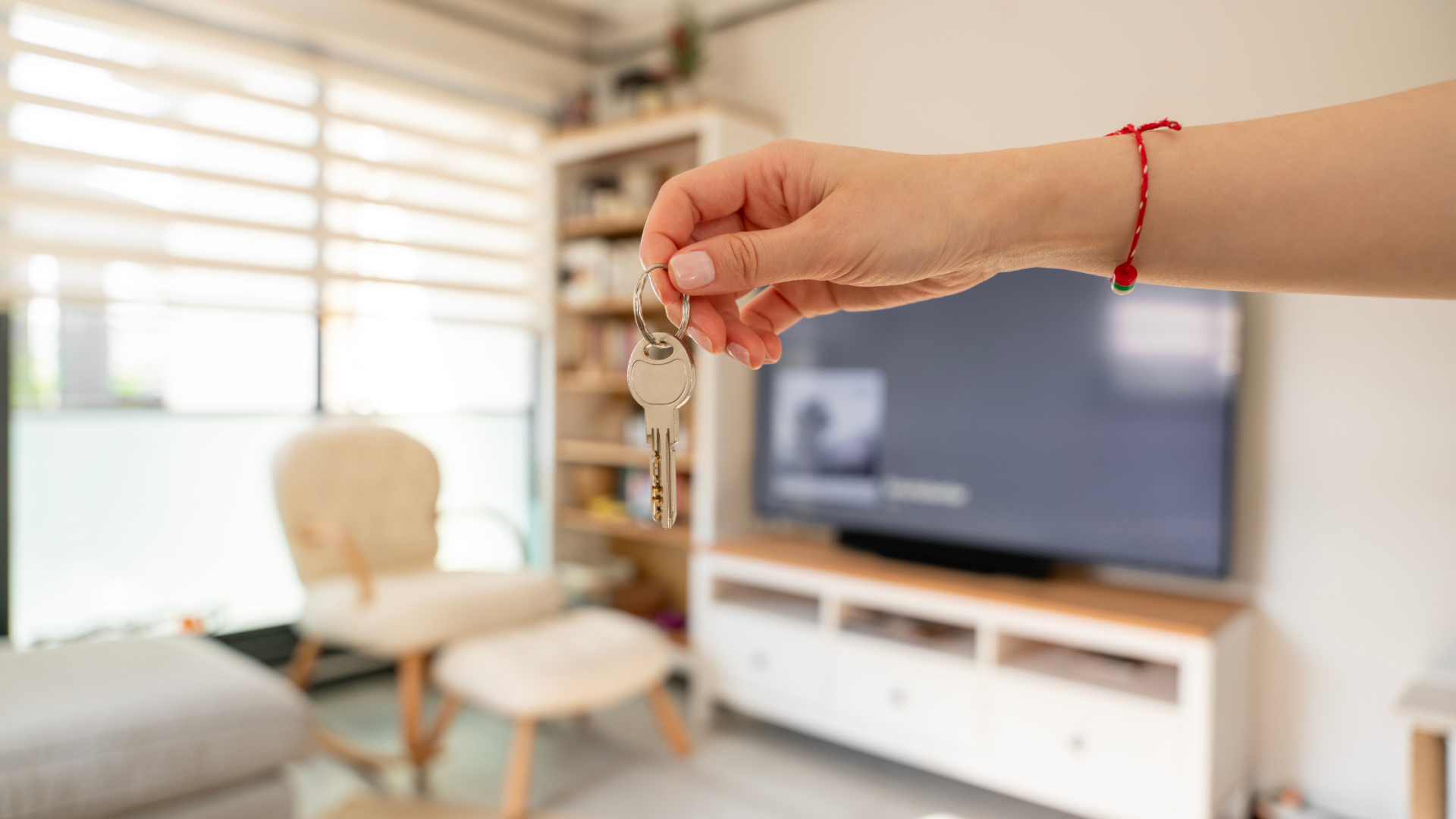
Smart Home Essentials for Rented Homes
August 30, 2024

10 Smart Home Gifts to Make This Christmas Extra Special
November 29, 2024
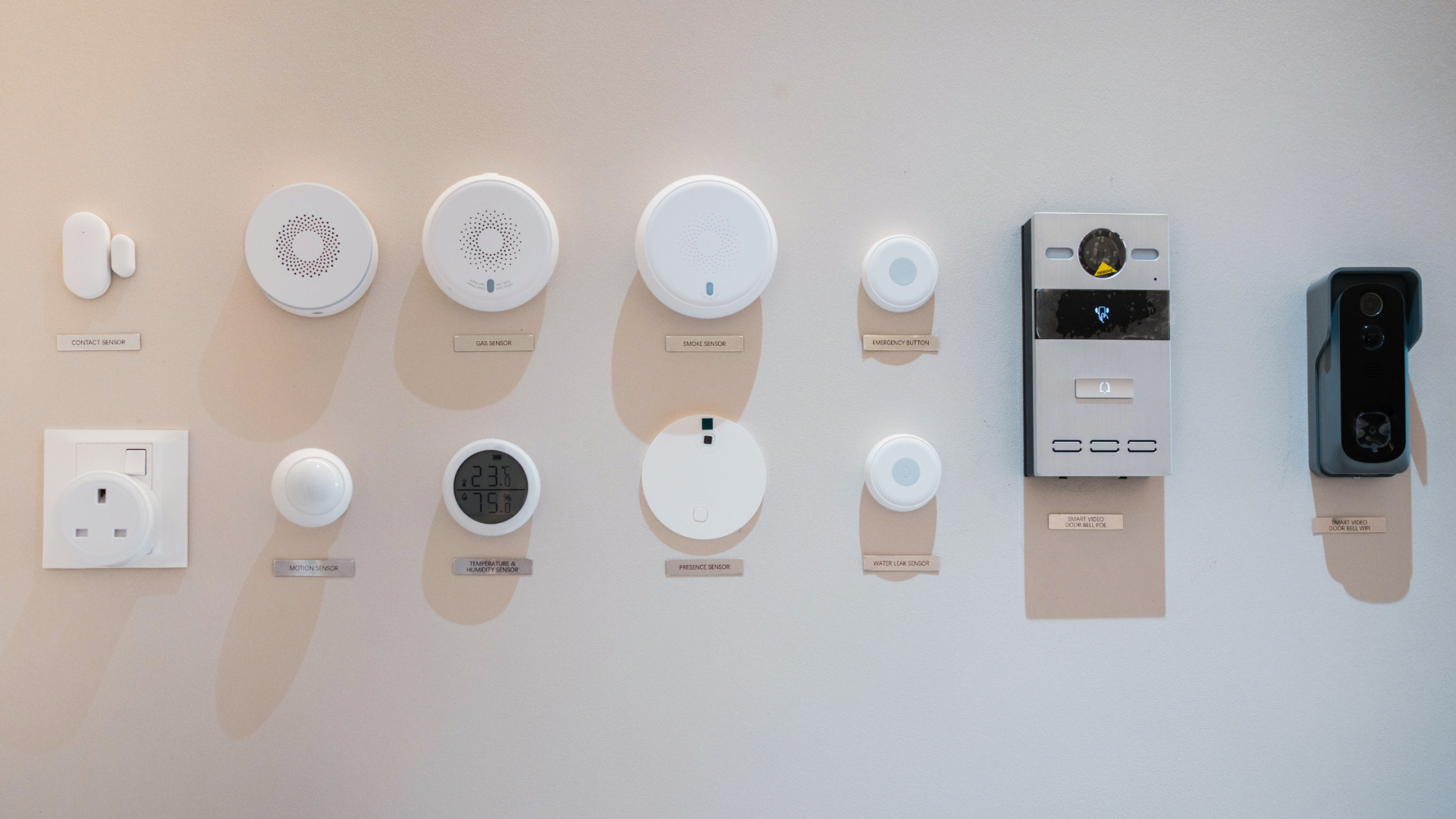
8 Mistakes to Avoid When Setting Up Your Smart Home Automation
April 4, 2025
Koble Smart Home