Transform Your Home into a Smarter Living Space with Koble. Schedule an appointment today at 8129 4164!

Transform Your Home into a Smarter Living Space with Koble. Schedule an appointment today at 8129 4164!

1. In the bottom navigation bar, tap Smart > Automation > Create Scene, or tap the plus icon (+) in the top right corner of the Automation tab to enter the page for smart scene settings.
2. Tap Add Condition to add one or more conditions. If Launch Tap-to-Run is selected, only the current condition can be added. Tap Add Task to add one or more tasks. Multiple Tap-to-Run and Enable or Disable Automation tasks can be added. Tap Name to specify the name of the automation. Tap Effective Period to set a time during which the created automation scenes are effective.

Koble Showroom
(With Smart Home Specialist)

9 Basic Tips for Transforming Your House Into A Smart Home
August 31, 2023
Is Your Home Ready for the Future? Take This Quiz to Find Out!
March 21, 2025
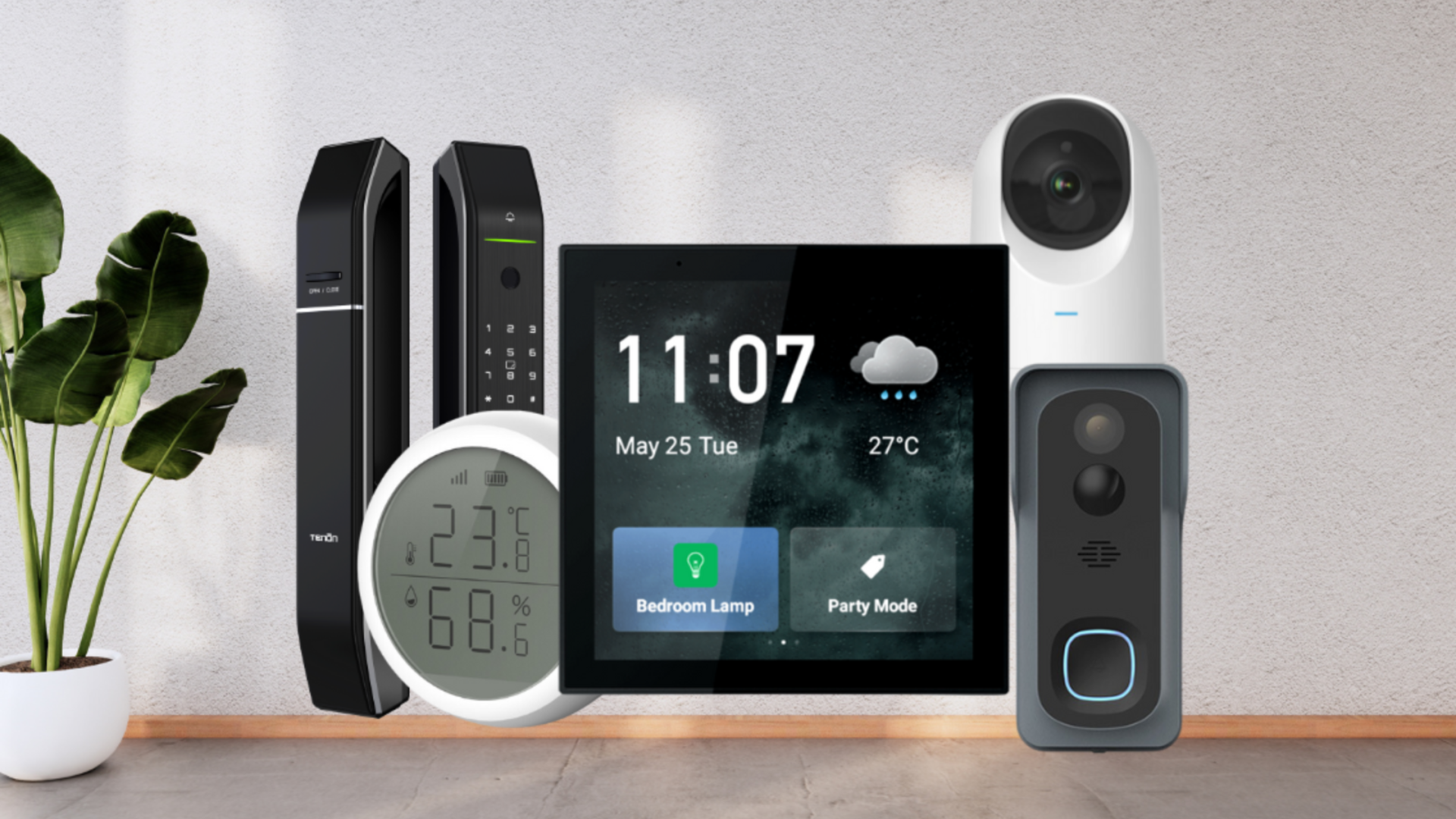
Top 12 Smart Home Devices of 2025
January 8, 2025

5 Smart Home Products for the Ultimate Home Setup
May 10, 2020
Koble Smart Home
