Transform Your Home into a Smarter Living Space with Koble. Schedule an appointment today at 8129 4164!

Transform Your Home into a Smarter Living Space with Koble. Schedule an appointment today at 8129 4164!

1. Tap Device Network on the device management page. On the Device Network Information page, tap Alternate Network.
2. Select the alternate network to be used, enter the Wi-Fi password, and tap Confirm.
3. If the current network is unavailable, the device will be automatically connected to the alternate network.
4. This feature only applies to wifi devices. The firmware must be updated to the latest version before this option is available on the device management page.
Koble Showroom
(With Smart Home Specialist)

Smart Switches in Singapore: Why Every Homeowner is Making the Switch
June 20, 2025
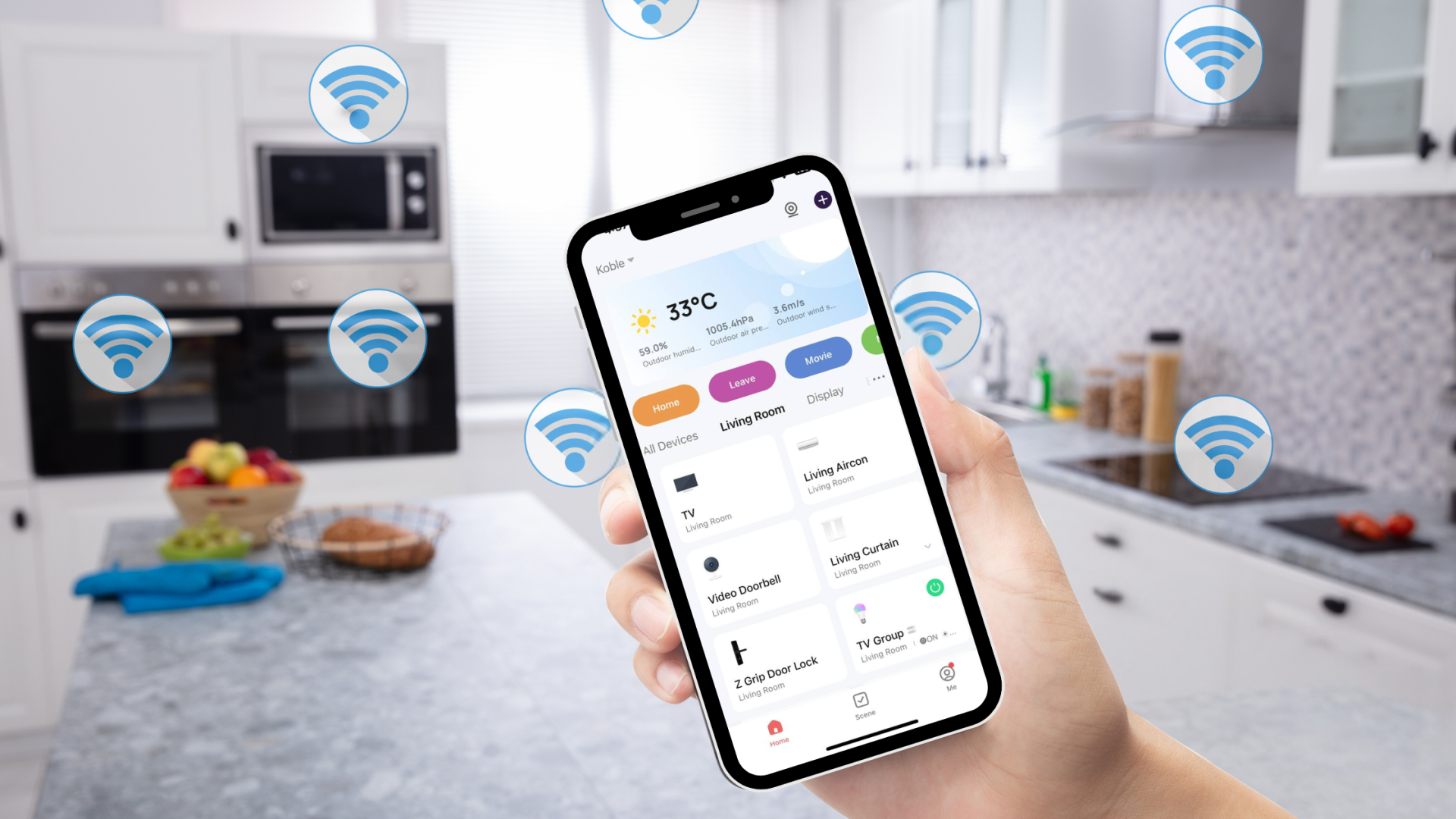
Can Your Smart Home Still Function Without the Internet?
September 27, 2024

What Is a Smart Home? (And Why More People in Singapore Are Upgrading in 2025)
April 17, 2025

How to Automate a 4-Room HDB in Singapore: A Complete Room-by-Room Guide (2026)
May 18, 2026
Koble Smart Home
