Transform Your Home into a Smarter Living Space with Koble. Schedule an appointment today at 8129 4164!

Transform Your Home into a Smarter Living Space with Koble. Schedule an appointment today at 8129 4164!

1. Tap Create Group on the management page of a selected device.
2. On the Select Device page, select devices to be added to the control group and tap Save. Enter a group name, and tap Confirm. The Select Device page shows all devices of the same model as the selected device.
3. After the group is created, the app automatically displays the group control panel, where the devices can be controlled in groups.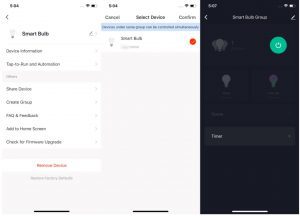
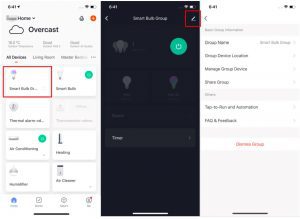
4. On the Home page, the created group can be viewed and the devices in the group can be controlled.
5. On the group control page, tap the edit icon in the top right corner of the page to manage the group or tap Dismiss Group to dismiss the group.
6. Standard groups of Bluetooth mesh devices are supported to achieve centralized control of Bluetooth mesh groups.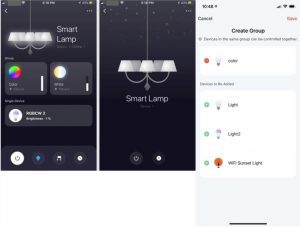
Koble Showroom
(With Smart Home Specialist)
Confessions of a First-Time Smart Home User in Singapore (Spoiler: I Didn’t Know What I Was Doing Either)
October 24, 2025
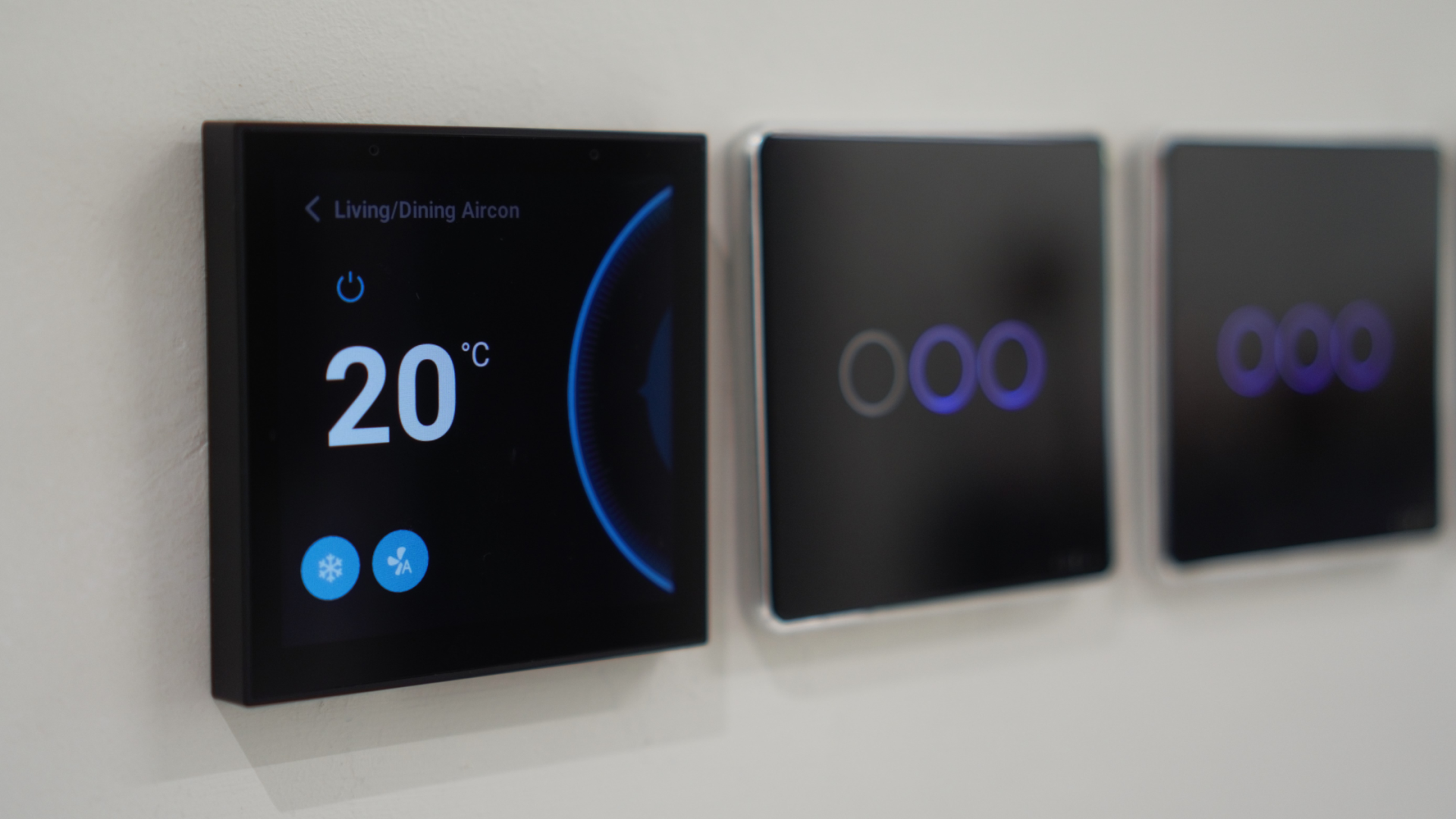
Mastering Home Comfort With Smart Home Climate Control Systems
January 15, 2024

Smart Home Privacy and Security: Safeguarding Your Data in the Connected World
June 21, 2024
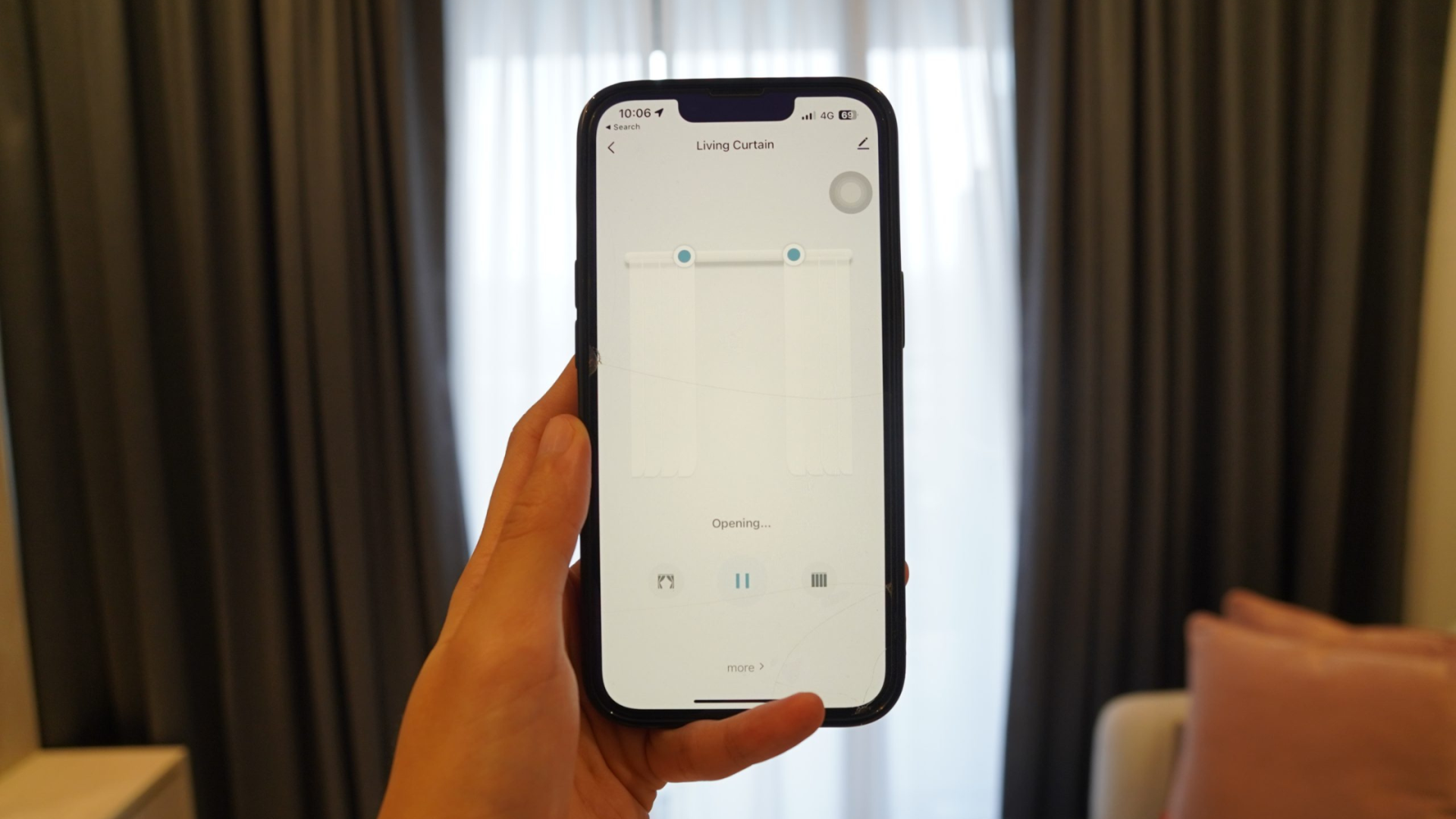
The Ultimate Guide to Smart Curtains in Singapore
June 8, 2024
Koble Smart Home