Transform Your Home into a Smarter Living Space with Koble. Schedule an appointment today at 8129 4164!

Transform Your Home into a Smarter Living Space with Koble. Schedule an appointment today at 8129 4164!

1. When the devices are displayed in a grid view, tap the small arrow in the bottom right corner of a device to access the extension functions of the device. For example, tap the switch icon to switch on or off strip lights or drag the slider to adjust the brightness.

2. When the devices are displayed in a list view, tap Common Functions under the device name to quickly control the device. In this case, certain common functions are also available in the dialogue box of extension functions.

3. After more than two smart cameras are added, tap the camera icon in the top right corner of the Home page to view multiple camera videos.
4. After at least one security gateway is added, tap the shield icon in the top right corner of the Home page to activate the security gateway. The current app version supports the basic arming and disarming features.
5. After at least one device that can meter energy consumption is added, tap the chart icon in the top right corner of the Home page to view the energy usage information of the devices.
Koble Showroom
(With Smart Home Specialist)

5 Things to Consider Before Starting Your Smart Home Journey
May 19, 2020
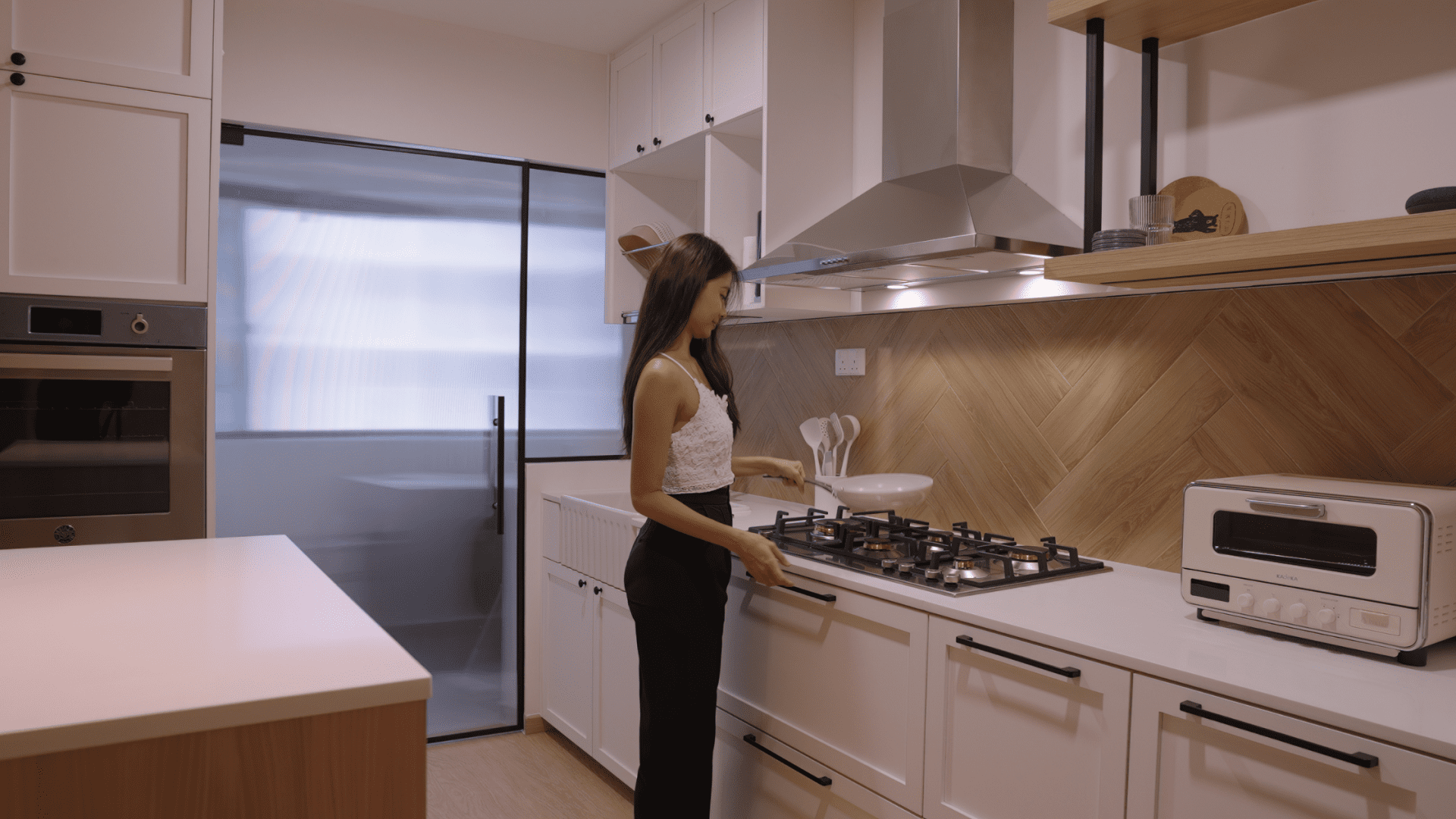
Your First Smart Home in Singapore: Where to Start (And Why It’s Not as Complicated as It Sounds)
August 15, 2025

5 Trending Holiday Gift Ideas in 2020!
December 17, 2020

Making Your Home Ready for Hari Raya
March 7, 2025
Koble Smart Home
