Transform Your Home into a Smarter Living Space with Koble. Schedule an appointment today at 8129 4164!

Transform Your Home into a Smarter Living Space with Koble. Schedule an appointment today at 8129 4164!

On the Home page, the user can perform the following operations:
1. Tap the microphone icon and use voice commands to control devices.
2. Tap the home name in the top left corner of the page to switch between homes or add a home.
3. Tap the weather and environment information section to go to the detailed weather and environment information page, where the weather and environment indicators can be sorted. The Home page only displays the first three weather and environment indicators.
4. Tap the plus icon (+) to add devices.
5. Tap a tap-to-run scene to trigger a scene.
6. Tap a room name to view the status of smart devices in the room.
Koble Showroom
(With Smart Home Specialist)

Jamie Chua's Smart Home Transformation with Koble
September 19, 2023
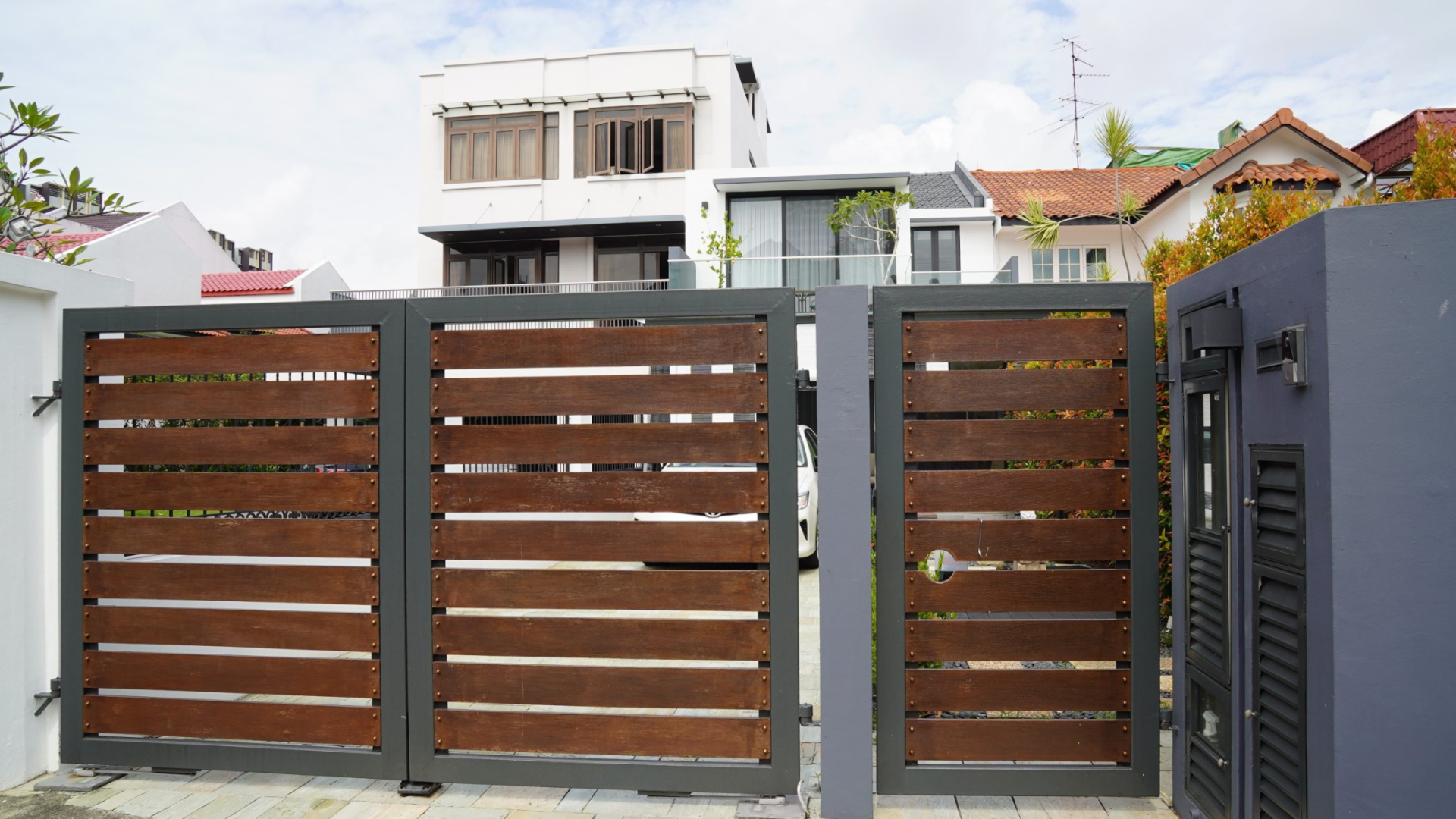
Improving Home Security and Convenience with Smart Gates in Singapore
December 8, 2023

15 Smart Home Ideas For Every Lifestyle
March 4, 2024

Everything You Need To Know About Smart Switches in 2025
January 8, 2025
Koble Smart Home
