Transform Your Home into a Smarter Living Space with Koble. Schedule an appointment today at 8129 4164!

Transform Your Home into a Smarter Living Space with Koble. Schedule an appointment today at 8129 4164!

1. To manage devices, tap the More icon (?) next to the devices on the Home page. Tap Device Management. On the page that appears, a device icon can be dragged to sort the display order of the devices. The user can also press and hold press a device on the Home page to navigate to the page for device management. Multiple devices can be selected and deleted in the same operation.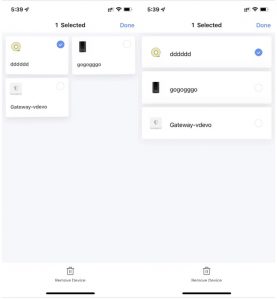
2. To manage rooms, tap the More icon (?) next to the devices on the Home page. Tap Room Management. On the page that appears, tap the management icon in the top right corner of the page. To sort the display order of a room, drag the hamburger button (?) on the right side of the room name. To remove a room, tap the minus icon (-) before the room.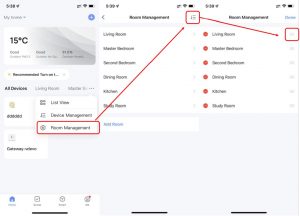
3. In the device list, if a device is greyed out, the device is offline. Otherwise, the device is online.
Koble Showroom
(With Smart Home Specialist)
Answering All Your Common Smart Home Questions
May 24, 2024
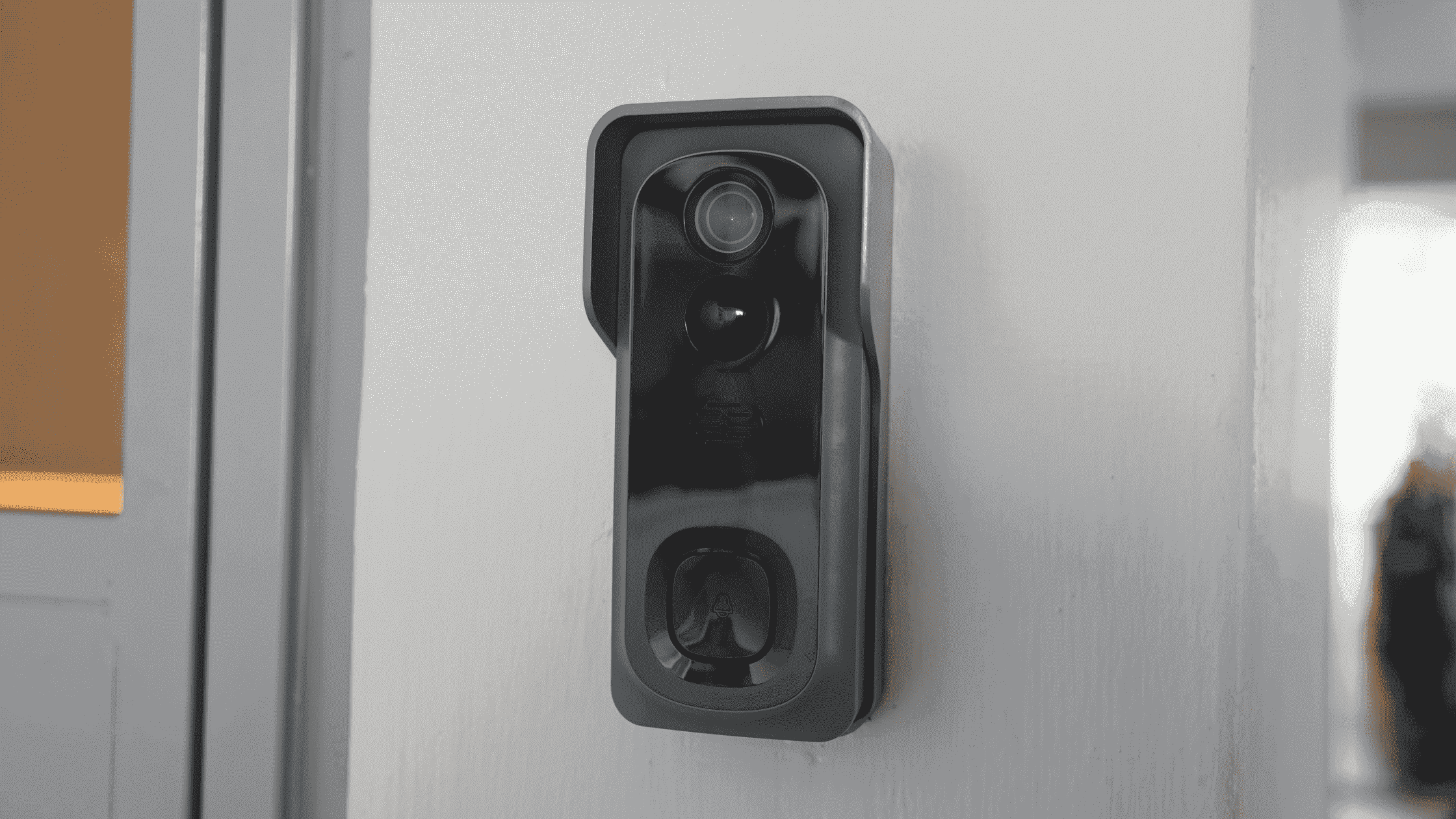
Redefining Home Security With Smart Video Doorbell
January 8, 2024
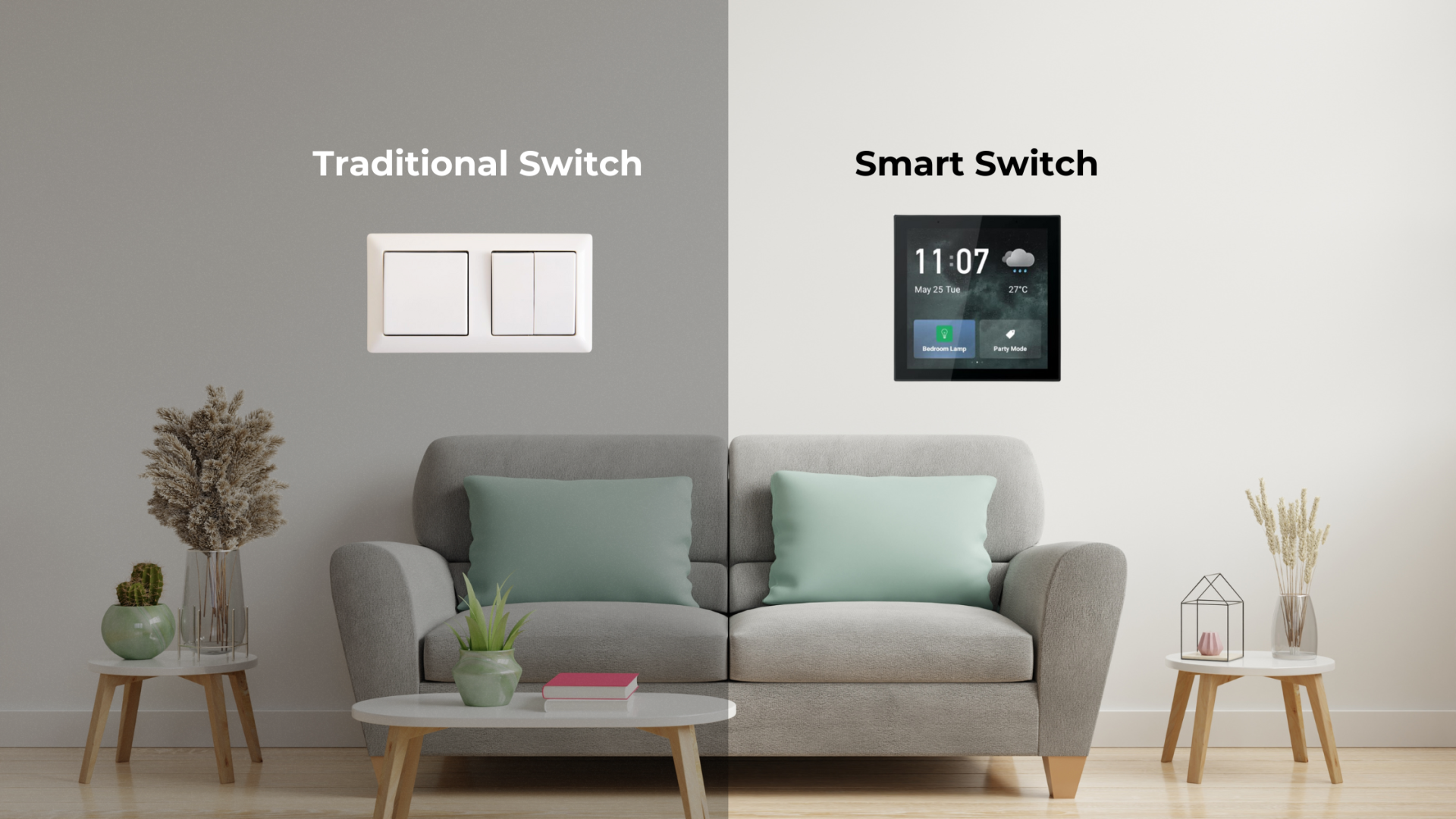
The Ultimate Showdown: Smart Switch vs Traditional Switch
March 22, 2024

Revolutionise Energy Consumption With Smart Parking Lot Lights
June 7, 2024
Koble Smart Home