Transform Your Home into a Smarter Living Space with Koble. Schedule an appointment today at 8129 4164!

Transform Your Home into a Smarter Living Space with Koble. Schedule an appointment today at 8129 4164!

1. On the Tap-to-Run tab, tap Add Tap-to-Run or the plus icon (+) in the top right corner of the page to open the Create Smart wizard.
2. In the Set a condition step, tap Launch Tap-to-Run.
3. In the Set up task step, Send notification and Select Tap-to-Run are unavailable.

4. Preset automation is required if Select Automation is selected as the task during the scene setting.
5. If Select Automation is tapped, a list of available automation scenes appears. Enable or disable a scene by tapping it. Tap Next, enter the scene name and then tap Save. The Effective Period field is unavailable for tap-to-run scenes.
Koble Showroom
(With Smart Home Specialist)

Creating a Smarter, Happier Home For Your Family
October 3, 2023
Is Your Home Ready for the Future? Take This Quiz to Find Out!
March 21, 2025

Thinking of Upgrading Your Home? Here’s Why Smart Living Is the Move in 2025.
August 1, 2025
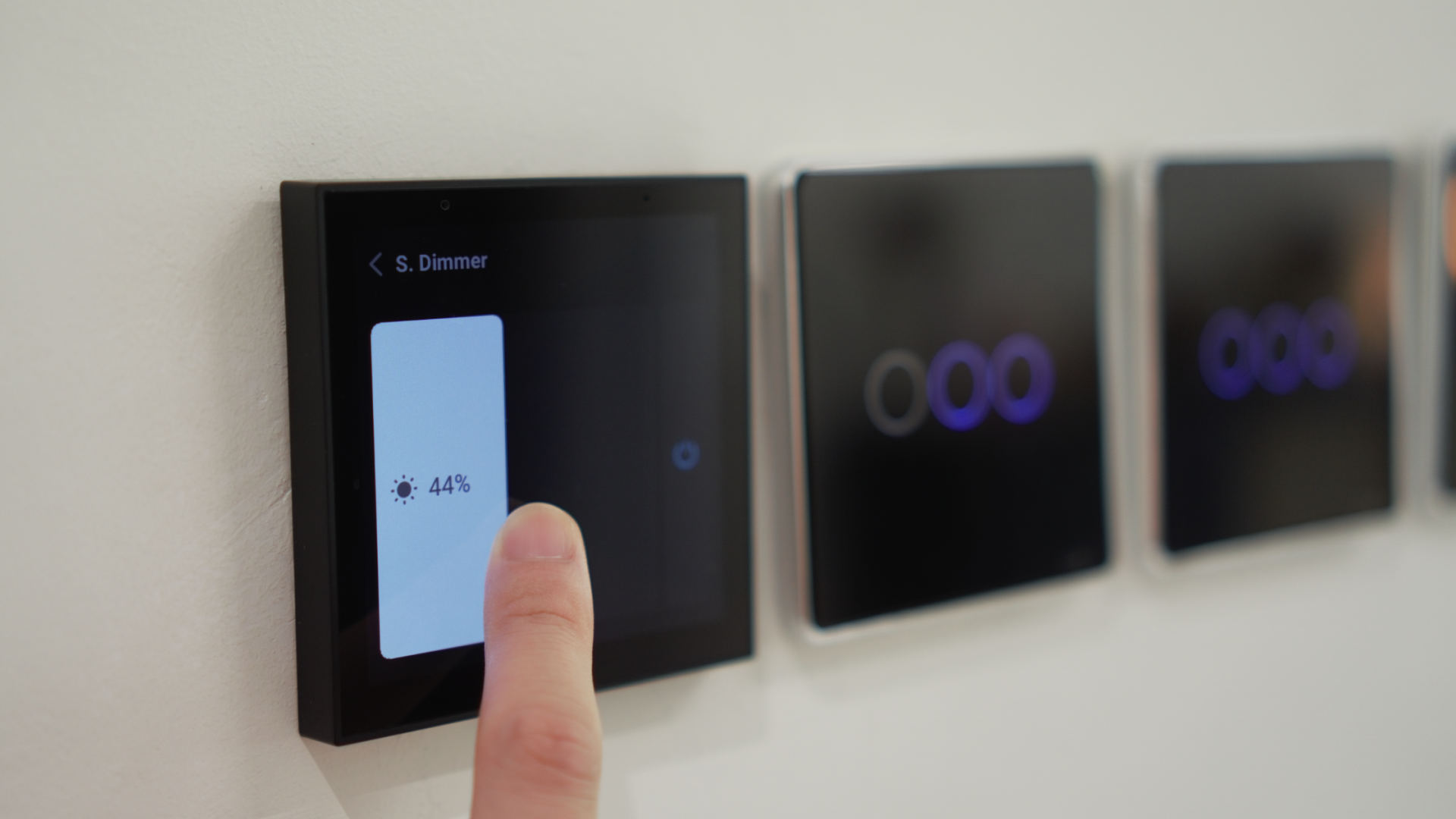
Experience the Future of Home Living with Smart Home Automation
September 20, 2024
Koble Smart Home
