Transform Your Home into a Smarter Living Space with Koble. Schedule an appointment today at 8129 4164!

Transform Your Home into a Smarter Living Space with Koble. Schedule an appointment today at 8129 4164!
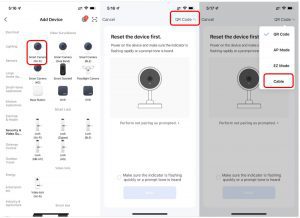
In addition to the EZ mode (default) and the AP mode, certain devices, such as IP cameras (IPCs) and gateways, can also be manually added in QR code mode. To add an IPC to the network by using a QR code, and perform the following steps:
1. Reset the IPC. For more information about how to reset the IPC, tap the Perform net pairing as a prompted button on the page. When the camera is reset, it flashes quickly or emits a prompt tone.
2. After the camera is reset, select Make sure the indicator is flashing quickly or a prompt tone is heard and tap Next on the page.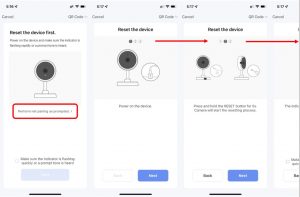
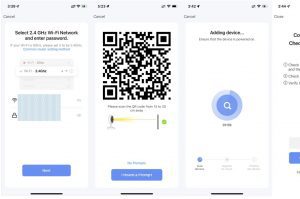
3. The user will be directed to the page to enter the Wi-Fi password.
4. After the Wi-Fi password is entered, tap Next. Point the QR code on the screen at the IPC within a distance of 15 cm to 20 cm, until the camera emits a prompt tone.
5. Tap I Heard a Prompt. Then, the app initiates the device pairing process.
6. If the device fails to be added, follow the tips to troubleshoot the problem.
Koble Showroom
(With Smart Home Specialist)
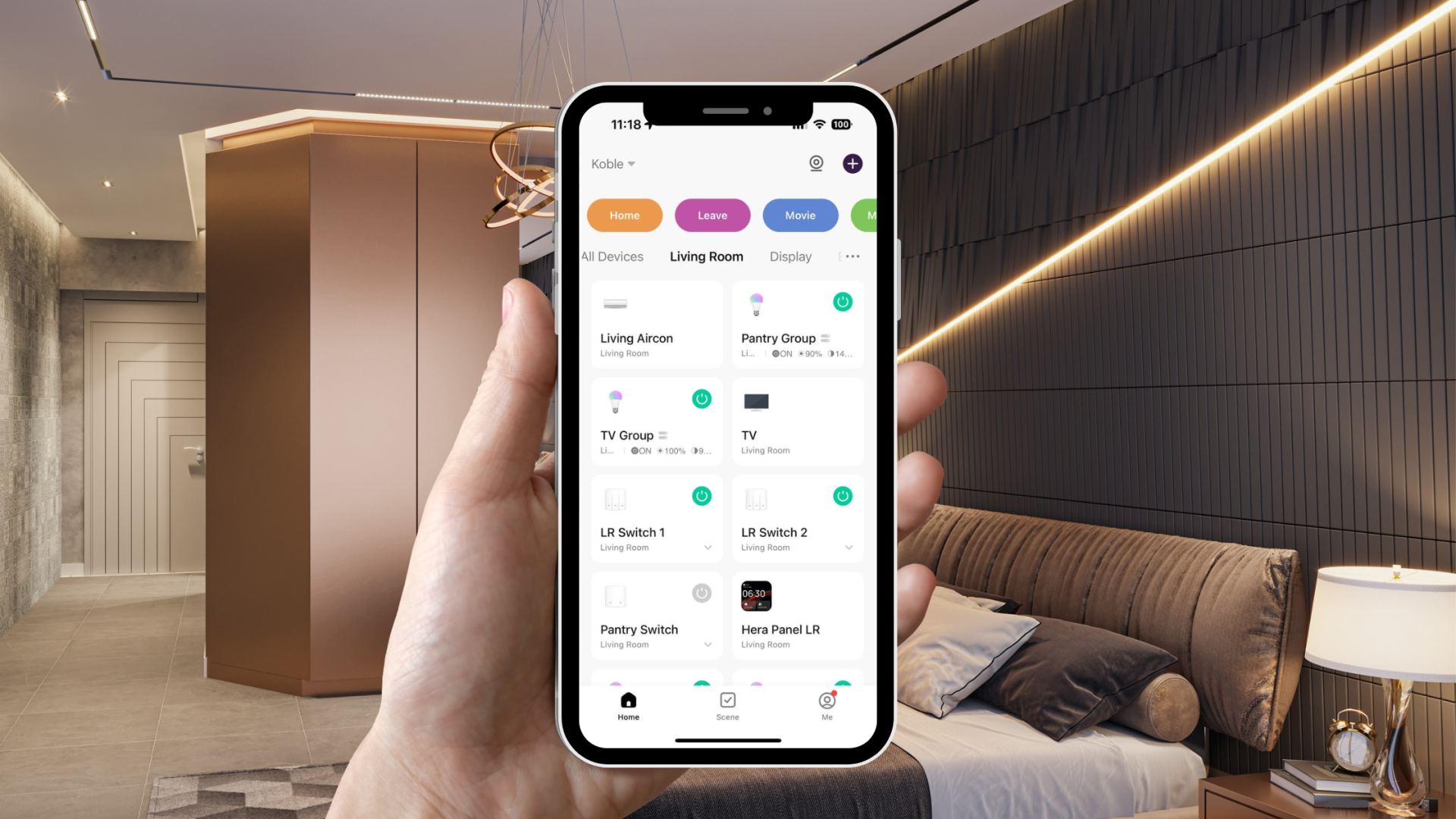
Top 5 Reasons to Upgrade to Koble's Smart Home System
August 16, 2024
4 reasons why a Zigbee Home Automation system is better than a Wi-Fi Smart Home System
April 29, 2020

Embrace the Dragon Year with Smart Home Products
February 5, 2024

Feeling Mentally Exhausted at Home? Here’s What Helped Me Most
September 26, 2025
Koble Smart Home