Transform Your Home into a Smarter Living Space with Koble. Schedule an appointment today at 8129 4164!

Transform Your Home into a Smarter Living Space with Koble. Schedule an appointment today at 8129 4164!

1. The following two methods can be used to go to the Notification Settings page:
• Method 1: On the Me page, tap the Settings icon in the top right corner. Then, tap App Notification.
• Method 2: On the Me page, tap Message Center to go to the message center. Tap the Settings icon in the top right corner of the page.
2. If Enable Notifications is disabled, the messages in the Alarm, Home, and Bulletin categories will not be received. If Enable Notifications is enabled, the user can separately specify whether to receive Alarm, Home, and Bulletin messages.
Koble Showroom
(With Smart Home Specialist)
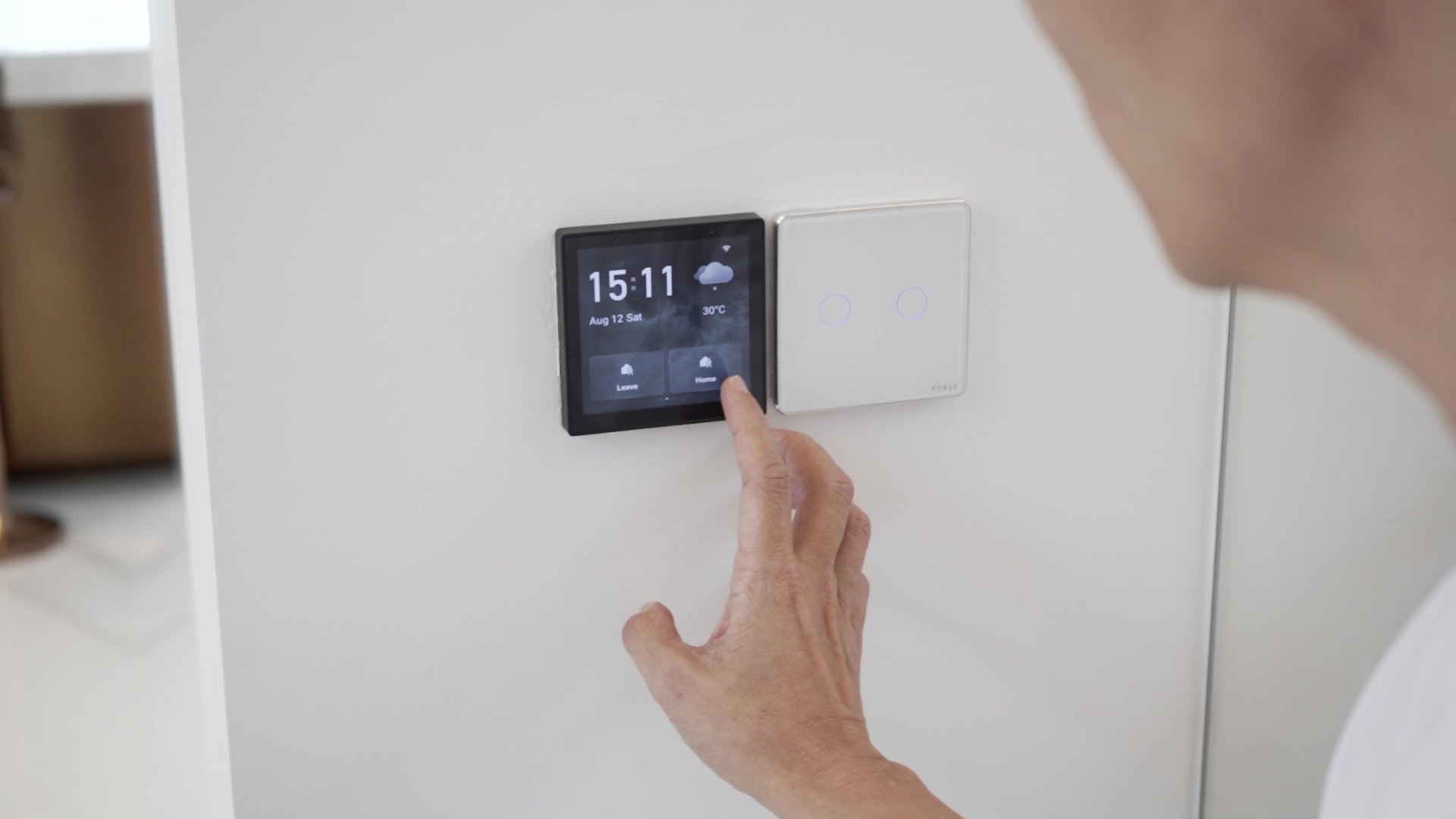
Integrating Smart Devices for Seamless Home Automation
August 2, 2024

Revolutionise Energy Consumption With Smart Parking Lot Lights
June 7, 2024

Local Database vs. Encrypted Cloud Server for Smart Home Security
December 11, 2023
Smart Home Essentials for Rented Homes
August 30, 2024
Koble Smart Home
