Transform Your Home into a Smarter Living Space with Koble. Schedule an appointment today at 8129 4164!

Transform Your Home into a Smarter Living Space with Koble. Schedule an appointment today at 8129 4164!

1. Select a task, such as When the location changes.
2. On the Leave or Arrive (beta) page, set the Leave or Arrive condition to trigger specified actions when the user arrives at or leaves a place. To set the condition, the app must be authorized to always use the geographic location. Currently, this feature is unavailable on Android phones.
3. Set a location and tap Next. This feature can be used to control devices 110 meters to 1,023 meters away from the location to run preset tasks.
Koble Showroom
(With Smart Home Specialist)
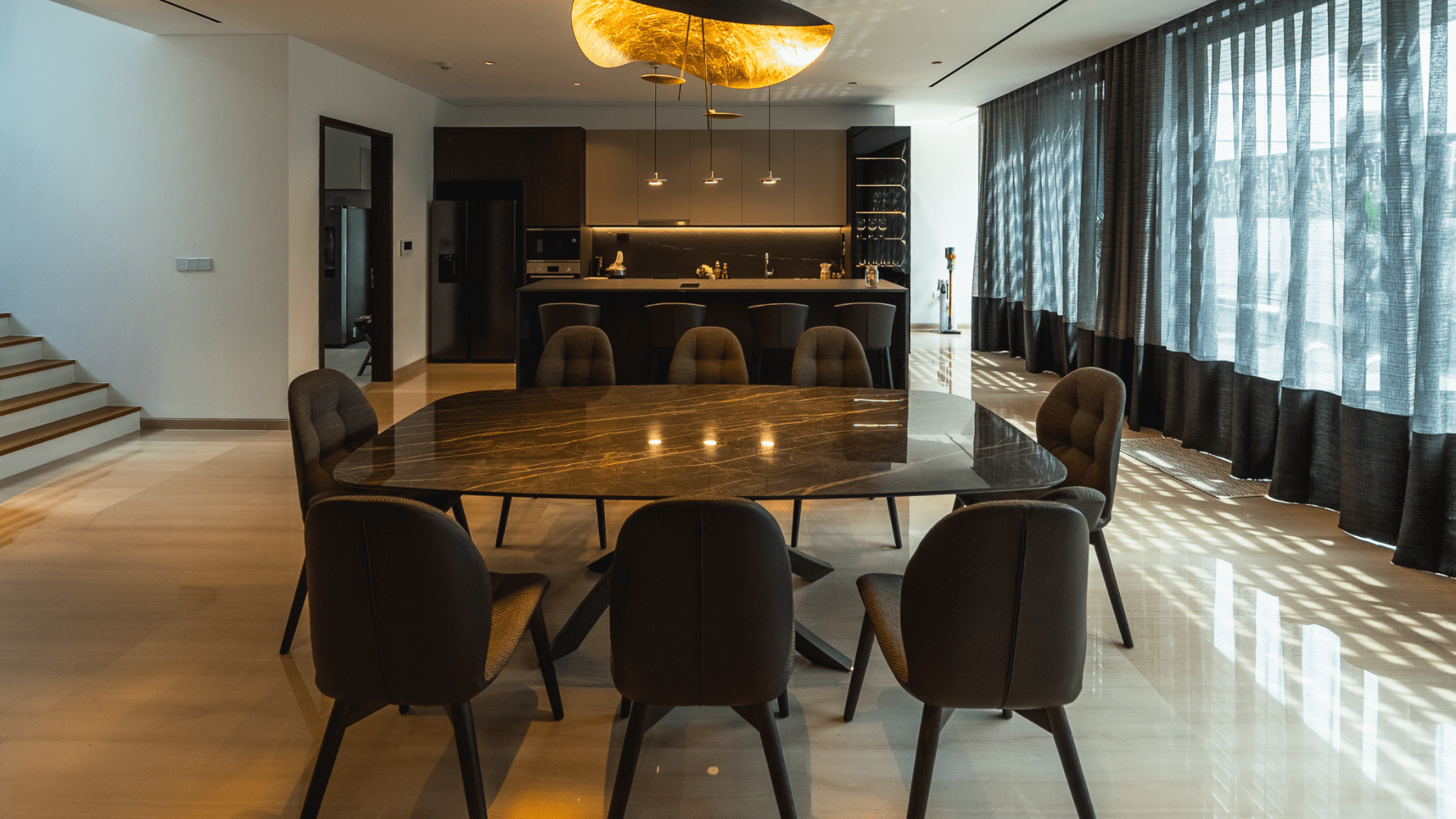
Hosting Used to Stress Me Out Until My Home Got Smarter Than Me
October 10, 2025

Why Network Segmentation is the Secret to a Reliable Smart Home in Singapore (2026)
May 29, 2026

Turning a DBSS Flat into a Film Set Worthy Smart Home
January 28, 2023

Revolutionise Energy Consumption With Smart Parking Lot Lights
June 7, 2024
Koble Smart Home
