Transform Your Home into a Smarter Living Space with Koble. Schedule an appointment today at 8129 4164!

Transform Your Home into a Smarter Living Space with Koble. Schedule an appointment today at 8129 4164!

1. Choose Me > Third-Party Voice Services > More. On the page that appears, bind the app with a third-party voice assistant.
2. Download Google Home App and sign up for an account
3. On the Google Home app, choose “+” on the top left > set up device > works with Google > Add devices > Search for koble > login using credentials from koble app
Koble Showroom
(With Smart Home Specialist)
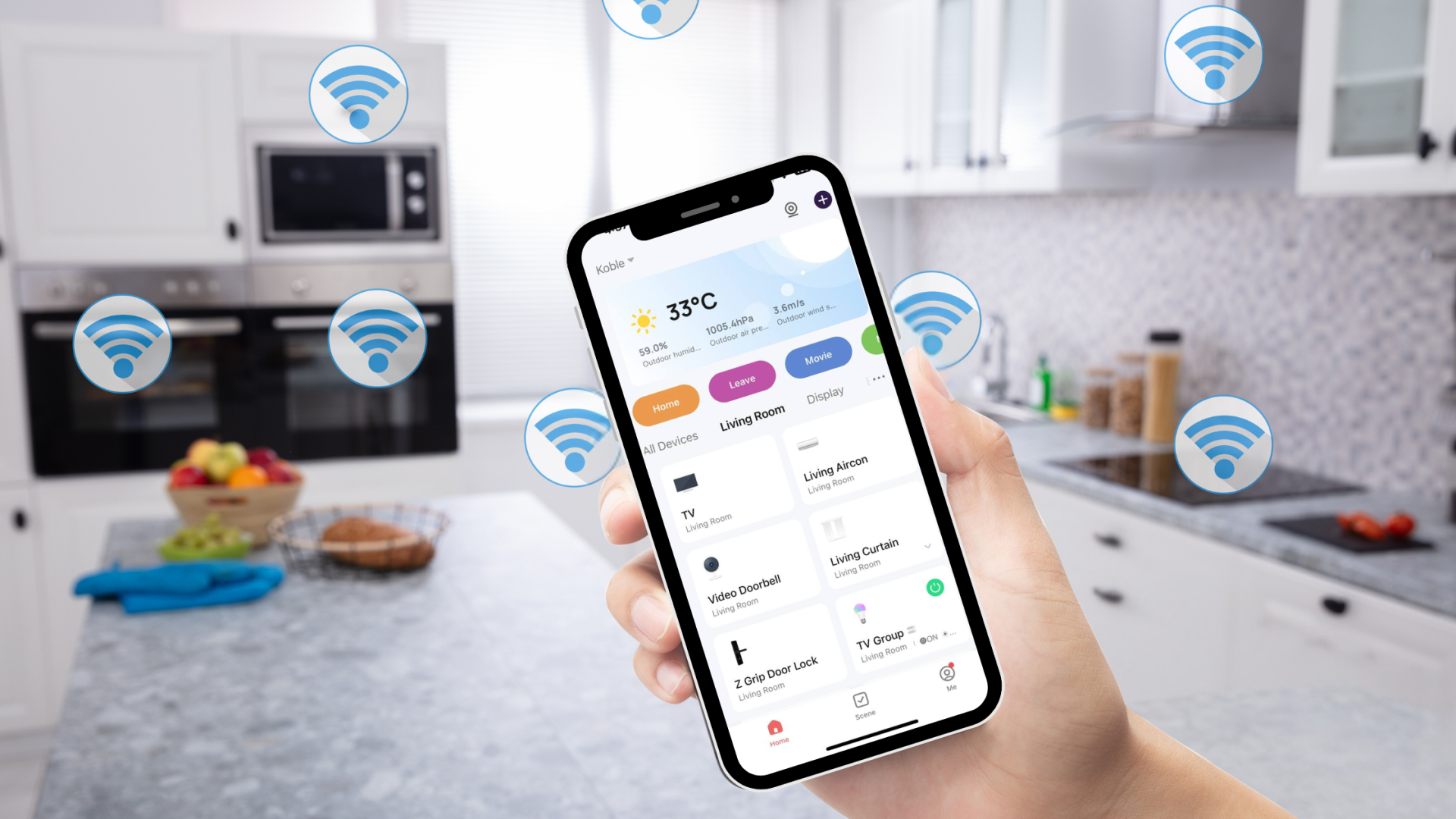
Can Your Smart Home Still Function Without the Internet?
September 27, 2024

How We Ensure the Reliability of Koble Products
July 26, 2024
Is Your Home Ready for the Future? Take This Quiz to Find Out!
March 21, 2025

Exploring Future Trends in Smart Home Integration Systems
January 12, 2024
Koble Smart Home
