Transform Your Home into a Smarter Living Space with Koble. Schedule an appointment today at 8129 4164!

Transform Your Home into a Smarter Living Space with Koble. Schedule an appointment today at 8129 4164!

1. After a smart device is added, a device tile that contains the device icon appears in the device section on the Home page. Tap the device tile to enter the control panel of the smart device. The control panel might vary from device to device.
2. If the device gets offline, the Offline state is shown in the device tile. In this case, the device cannot be controlled on the control panel.

3. Features available on the control panel also depend on the device status. For example, only the countdown and scheduling features are available when a light is turned off. Features such as scene setting, colour adjustment, and brightness adjustment are also available when the light is turned on. Tap the edit icon in the top right corner of the control panel to manage the device.

Koble Showroom
(With Smart Home Specialist)
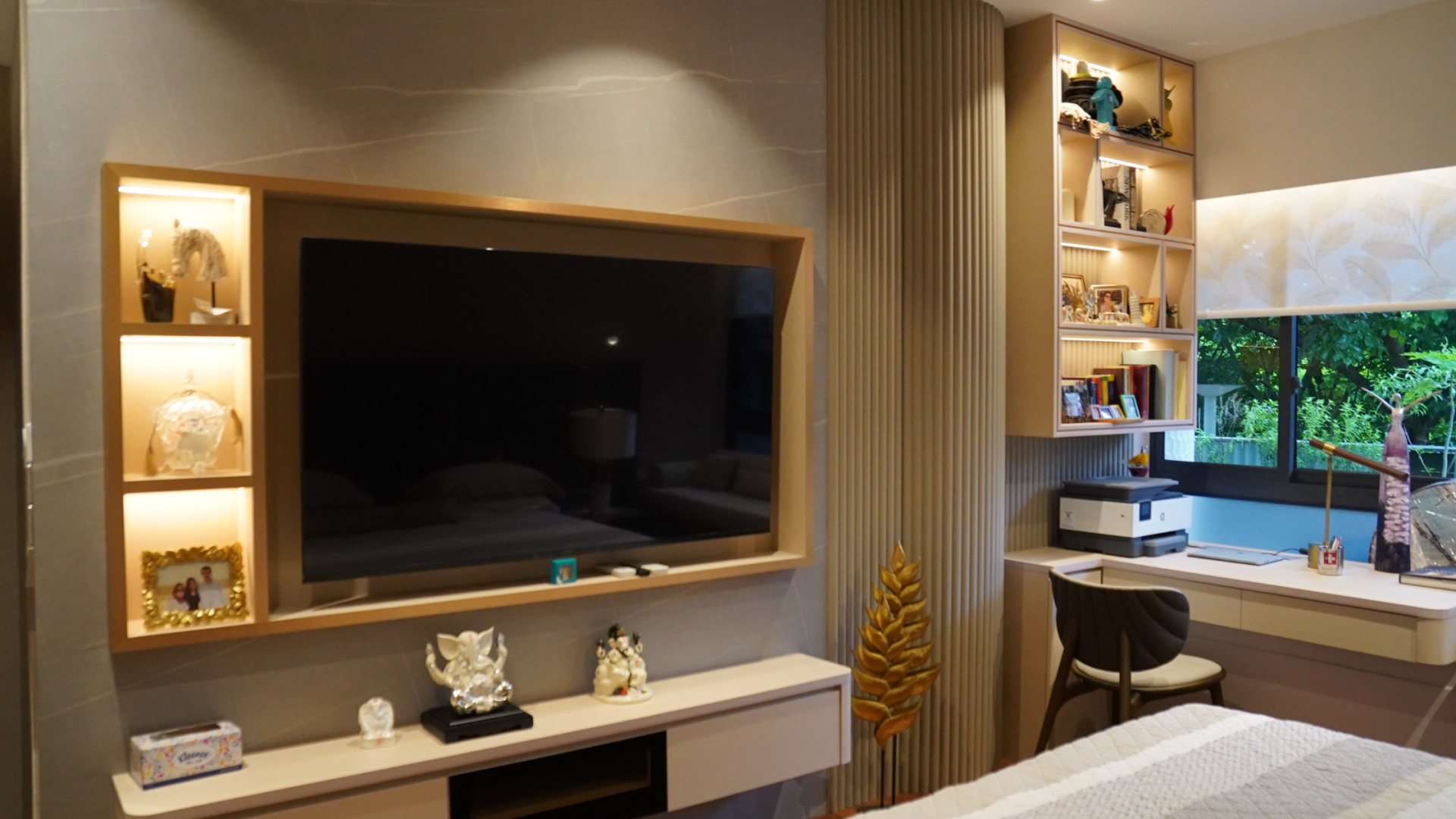
Smart Home Packages Singapore
February 26, 2024

How We Ensure the Reliability of Koble Products
July 26, 2024

How to Build a Smart Home That Works for You
February 21, 2025

5 Smart Home Ideas to Help You Work from Home
April 12, 2020
Koble Smart Home
